

Now, this is straight out of this world…
What’s in the box:
- Pin Ejector
- R-hook
- Protective holder
- USB Type C to Type C
- USB Type C to Type A

Features:
- Unrivalled transfer speed: DRAM SSD with large SLC cache delivers up to 1050 MB/s file transfers — 12X faster than standard external HDDs
- Exceptional cooling: Aluminium alloy chassis and a thermal pad enable effective heat dissipation
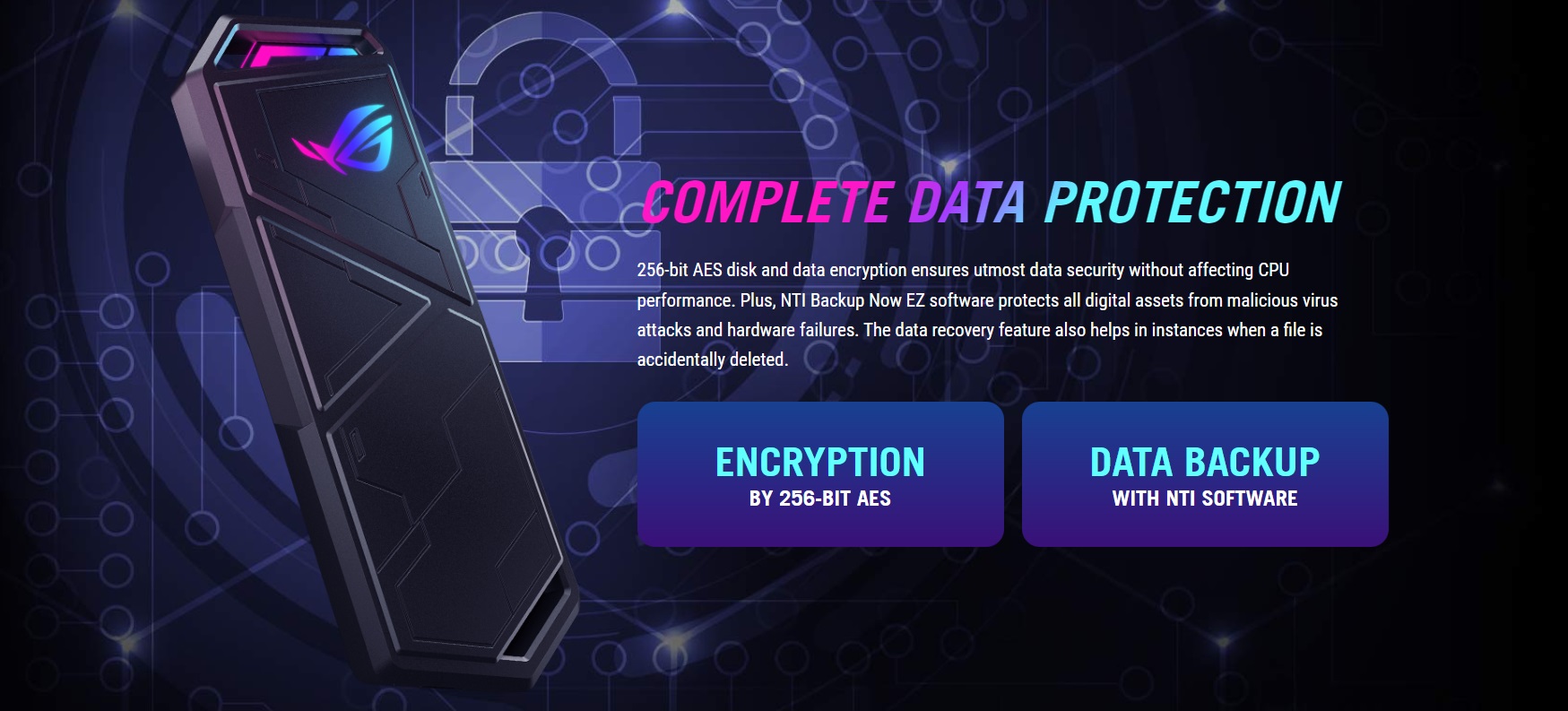
- Complete data protection: Secured by 256‐bit AES disk and data encryption and bundled NTI Backup Now EZ software
- Easy drive management: ROG SSD Dashboard software provides full access to temperature, storage status, and more
- Comprehensive compatibility: USB-C®3.2 Gen 2×1 interface offers superfast performance and wide-ranging support for various devices, including the latest PlayStation and Xbox gaming consoles
- Customizable lighting: Exclusive ASUS Aura Sync lighting technology
Specifications:
- Color: Black
- Interface: USB3.2 Gen 2X1
- Speed: 10Gbps
- Capacity: 500GB
- OS Combability: Windows® 7, Windows® 8.1, Windows® 10, Windows® 11, Mac OS Catalina or later, Android devices supported OTG function, Chrome OS
- Aura System Requirement: Windows 10 RS3 or above
- Aura Sync: ARGB
- Dimension: 124.57 x 47.76mm x 10.85 mm (L/W/H)
- Weight: 107g
- Temperature: Operating: 0 ℃ (32 ℉)-40 ℃ (104 ℉): Storage: -20 ℃ (-4 ℉)-60 ℃ (140 ℉)
- Humidity: Operating: 15%~90% (Non-Condensing): Storage: 10%~90% (non-Condensing)
- Voltage: 5V 1.6A
Aesthetics:
Something we do not always see or need where storage devices are required. However, the Arion gives us the best of both worlds literally.
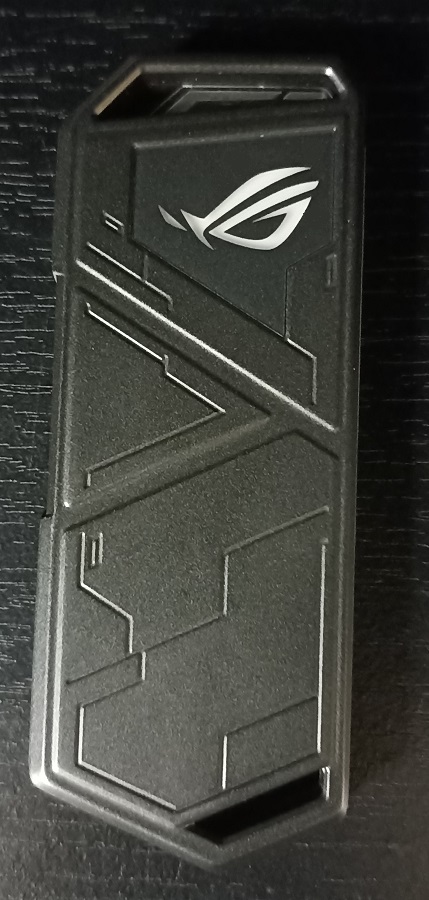
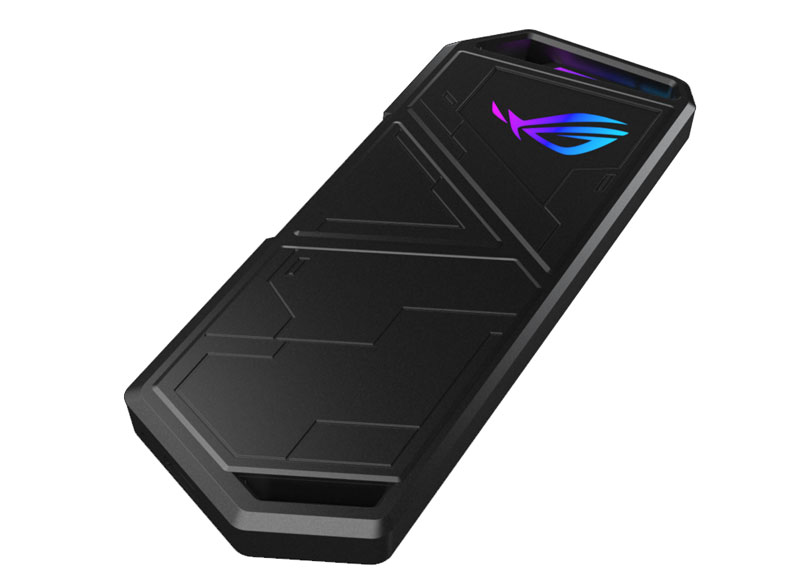
The external case doesn’t just look flashy, it is. The front of the casing has the ROG eye that also lights up. The casing also has a latch where you can add a keychain to it, one is included with the drive.
It also has another RGB section too, visible right above the eye where the key chain connects to. The RGB is also Aura Sync compatible for the ROG lovers. The casing also has a very futuristic look it, with both sides of the casing showcasing some unique designs.
Design and Build:
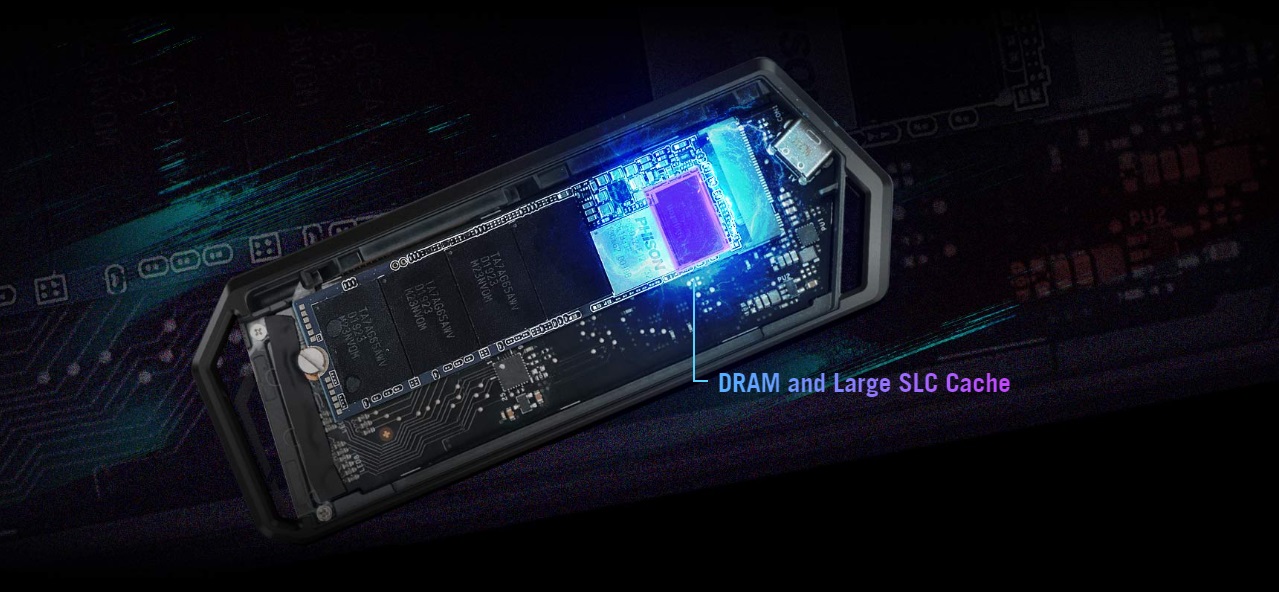
The casing is built quite durable, and drop resistant. The entire casing is made out of metal, ensuring that it will be lasting. The area of the board where the NVMe slots in are well strengthened and strategically placed on the inside.
The side cover of the casing also has a pad that sticks to the drive once installed adding resistance to the drive. If you take a moment to truly look at this beauty, it is clearly visible that this one is as durable as they come. They used nothing but the best materials to build this one.
Performance:
To say that this little monster is fast, would be an understatement! It comes as advertised, with blazing fast unrivalled transfer speeds. The massive SLC cache delivers up to 1050MB/s. This is insanely fast, especially for external drives.

The Arion will impress you regardless of what you choose to use it for. It pretty much handles any file you throw at it, regardless of size or quantity.
As the benchmarks we ran on it show you, she packs more than just a punch. Furthermore, we tossed one of our own folders on it to really see how it reads and manages a whole bunch of files all at once. The speed was absolutely incredible.

MGR Gaming’s Conclusions:
I was pleasantly surprised by this one. I have a spare Nvme and have actually been looking to see if external casings are available for them. Long story short ASUS ZA decided to lend me this one to test it out for myself seeing that after some googling, I was interested in this one.
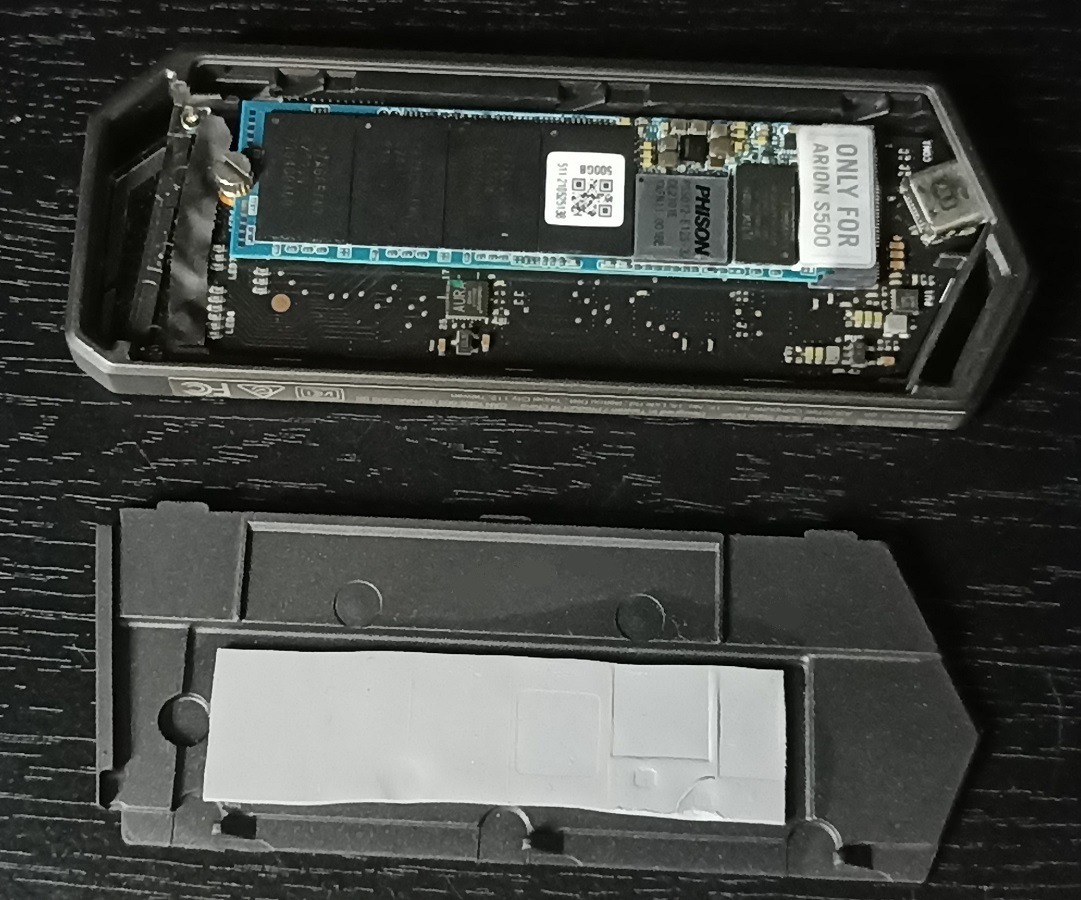
They come in two versions. One with an NVMe drive installed and one where it is only the casing that is being sold. So, you have options here. Using the drive is pretty simple. With two connection options available via USB-A and USB-C you really have the world at your fingertips here.
The speed and performance of this drive are unbelievable. I knew it was going to be fast, but I was thoroughly impressed when I actually took it for a spin myself. The aluminum casing does another amazing job, besides just looking good. It keeps the temperatures quite low to ensure that there are no heating issues.

You can now purchase this amazing NVMe at Evetech click here for more information.
