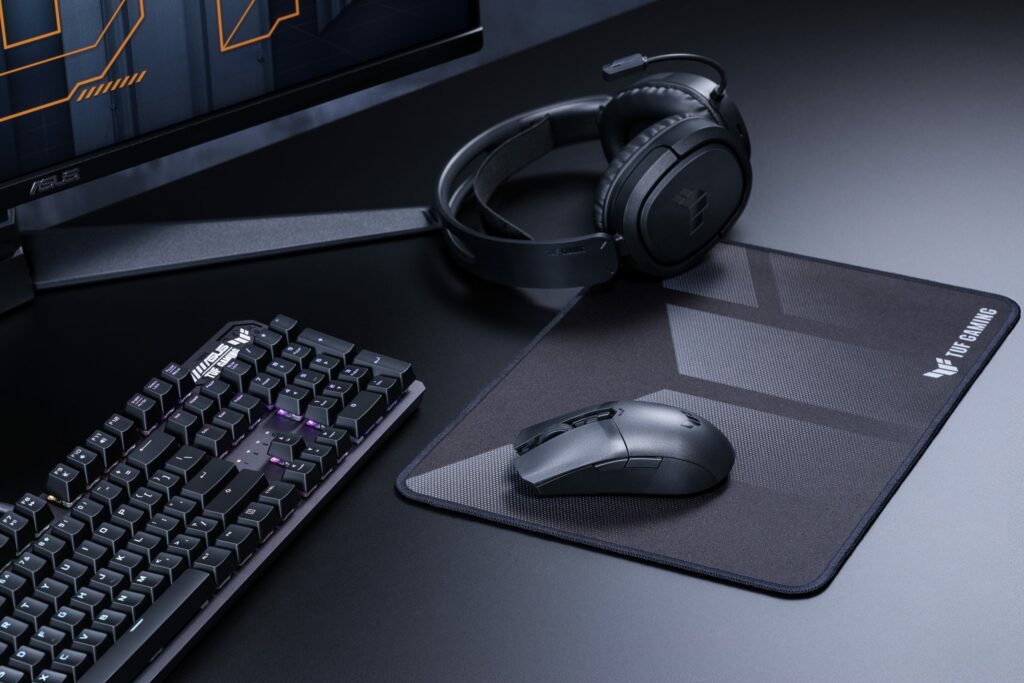
The mid-sized lightweight wireless mouse that will crawl into your heart.
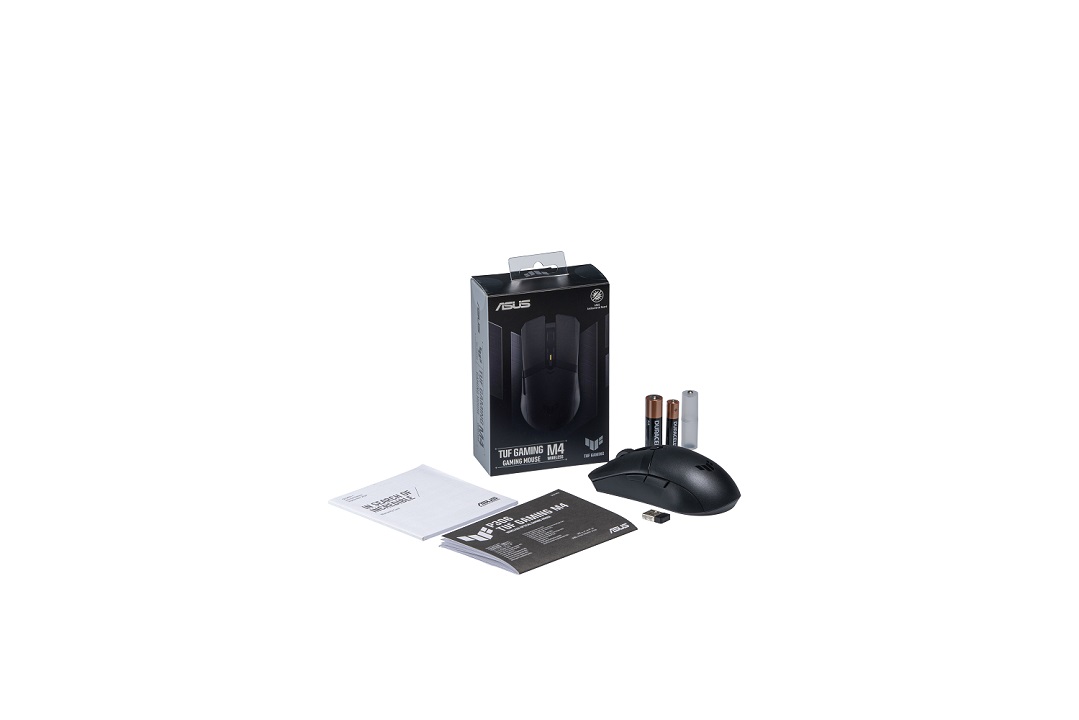
What’s in the box:
- 1x TUF GAMING M4 WIRELESS Mouse
- 1x USB Wireless Dongle
- AA Battery
- AAA Battery
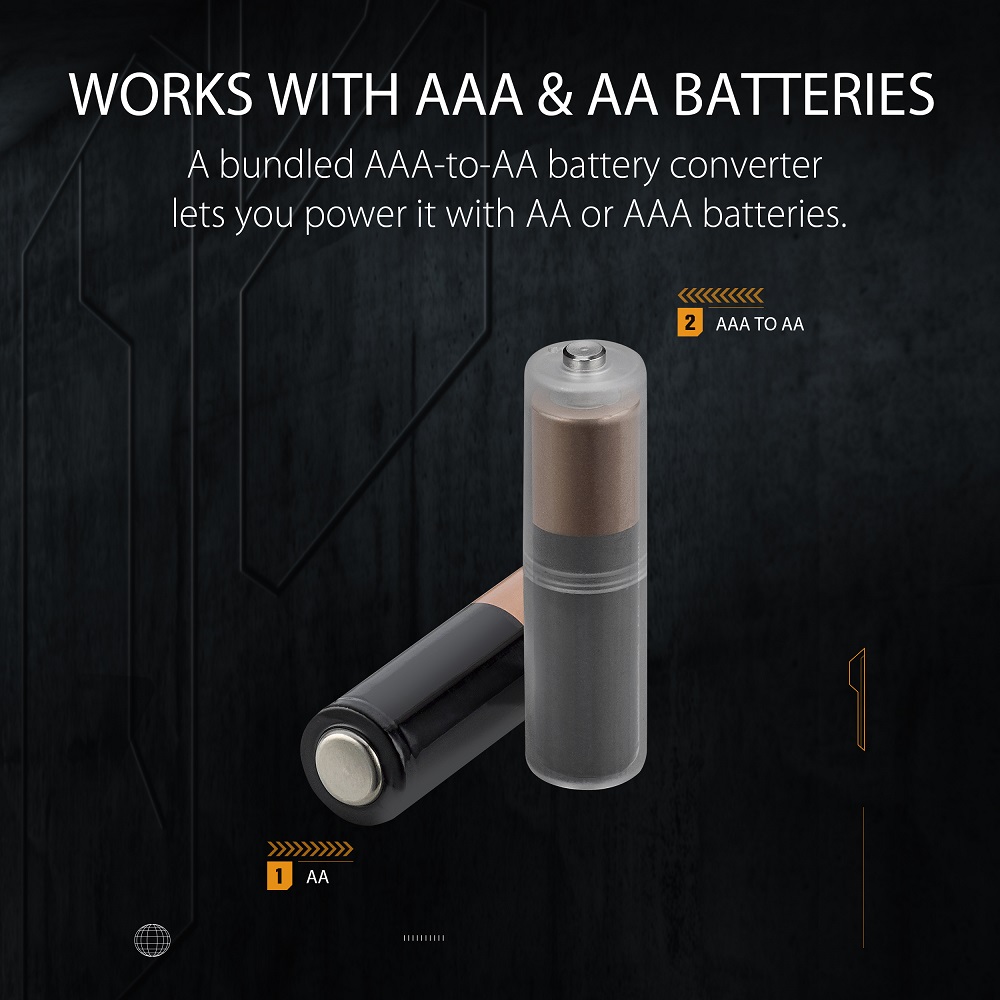
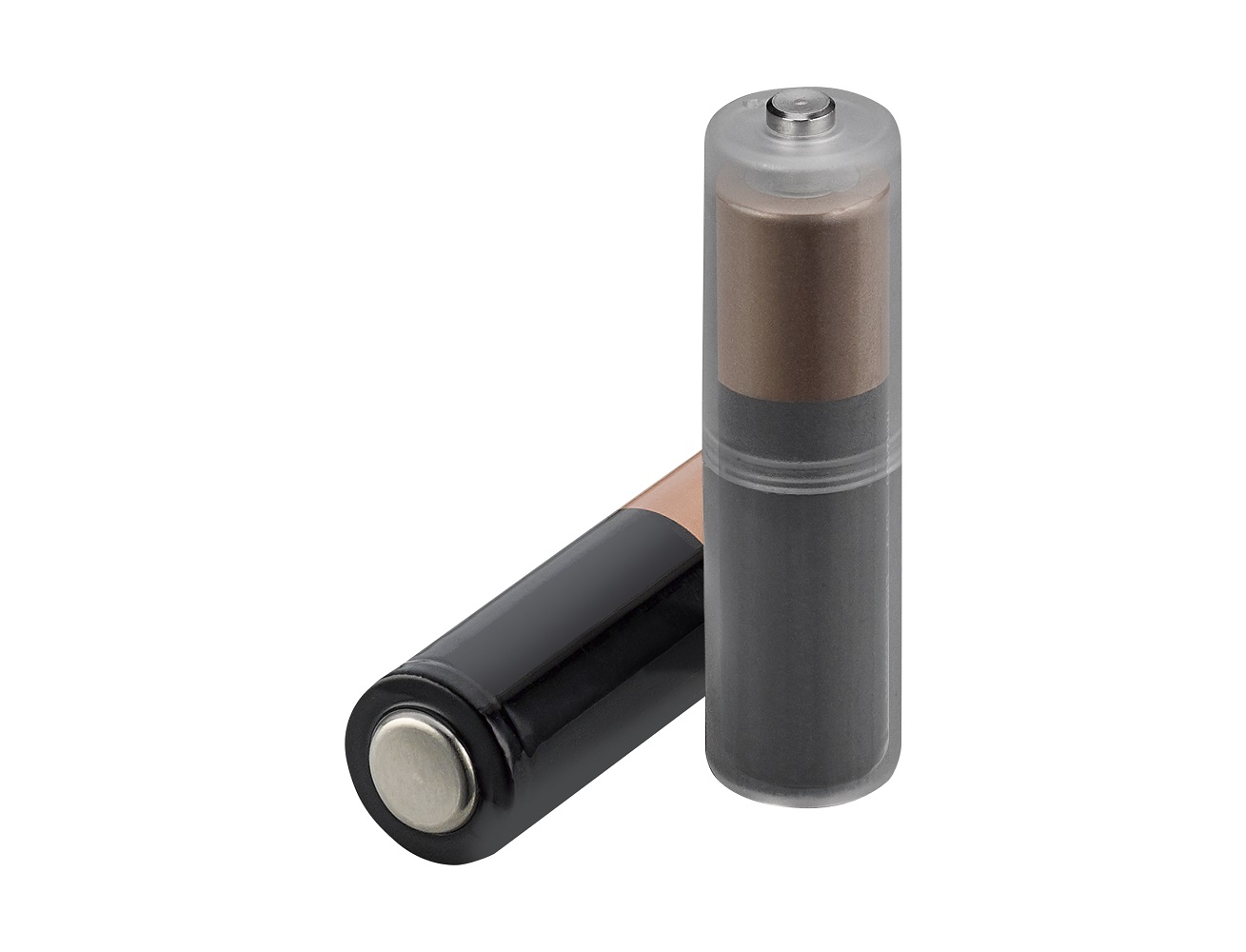
- 1x AAA to AA Battery Converter Holder
- Quick Start Guide
- 1x Warranty Card
Features:
- 6 Programmable buttons
- 2-year warranty
- Wireless gaming mouse with 2.4 GHz wireless and Bluetooth LE dual connectivity
- Gaming-grade 12,000 dpi optical sensor for pixel-precise tracking, plus DPI button for on-the-fly four-level sensitivity adjustment
- Mid-sized and lightweight 62-gram gaming mouse with ambidextrous design (excluding battery and dongle)
- ASUS Antibacterial Guard treatment keeps the mouse clean and sanitary
- Premium PBT polymer top cover, and side buttons with a durable matte finish

Specifications:
- Sensor: 3311
- Resolution: 12000
- Max Speed: 300
- Max acceleration:35
- RF 2.4G Report Rate: 1000 Hz
- L/R Switch Type: 60 million clicks
- Connectivity: Bluetooth 5.1
- Connectivity: RF 2.4GHz
- Battery types: AAA or AA
- Battery life AAA: RF 2.4: 53hr, BLE: 100hr
- Battery life AA: RF 2.4: 134hr, BLE: 232hr
- OS: Windows 10/11
- Dimensions: 126 x 63.5 x39.6 mm
- Weight:
- 62g w/o battery & Dongle
- 77g with AAA battery & Converter Holder
- 86g with AA battery

Aesthetics:
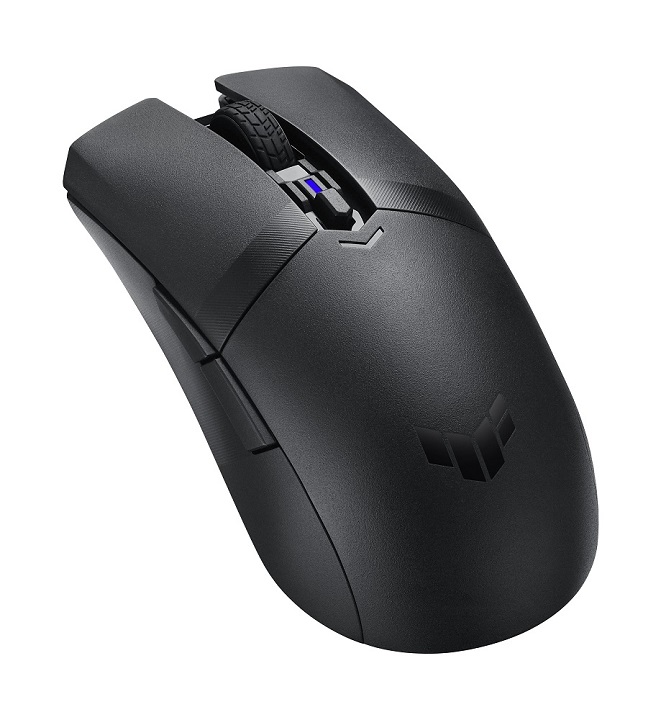
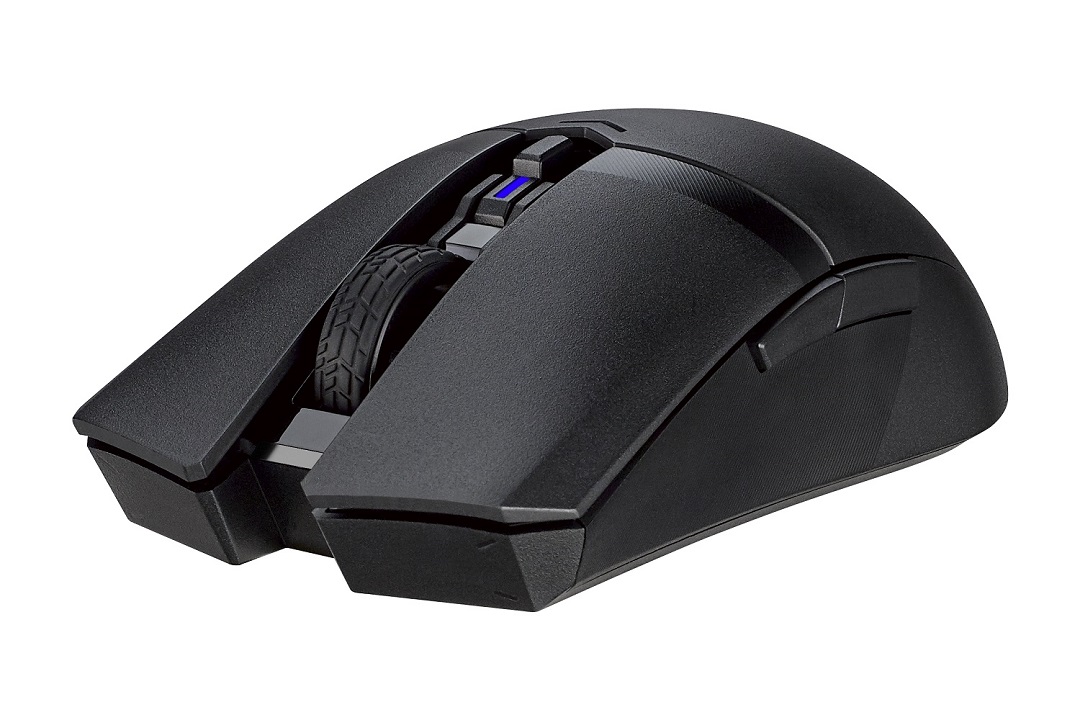
The ASUS TUF M4 Wireless boasts a Smooth sleek and classic matt black design. This mouse won’t stand out but it will become one with your hand I think that was the point here. It has the same tire design on the scroll wheel as the M4 air which I love.
As with the M4 air, this mouse also doesn’t feature any RGB lighting of any kind but some people like the simpler design. There is a light next to the DPI button though which changes colour to indicate the setting you’ve chosen.
It boasts the ASUS TUF logo on the top of the mouse which adds to its look and promises the unmistakable quality that comes with the Asus name.
Comfort:
The mouse has a very simple design, and I feel compelled to point out that the two customizable buttons on the side are built so that your thumb sits comfortably underneath them, preventing you from accidentally pressing them.
The design is not completely ambidextrous as there are buttons on the left making the mouse more suitable for right-handed use. Although the form factor is ambidextrous with both left and right buttons being the same shape.
The buttons are quite tactile so if you aren’t into the clickier buttons then this mouse is not for you, or if you work in a quiet office you may want to reconsider as the clicky switches might annoy co-workers.
Durability:
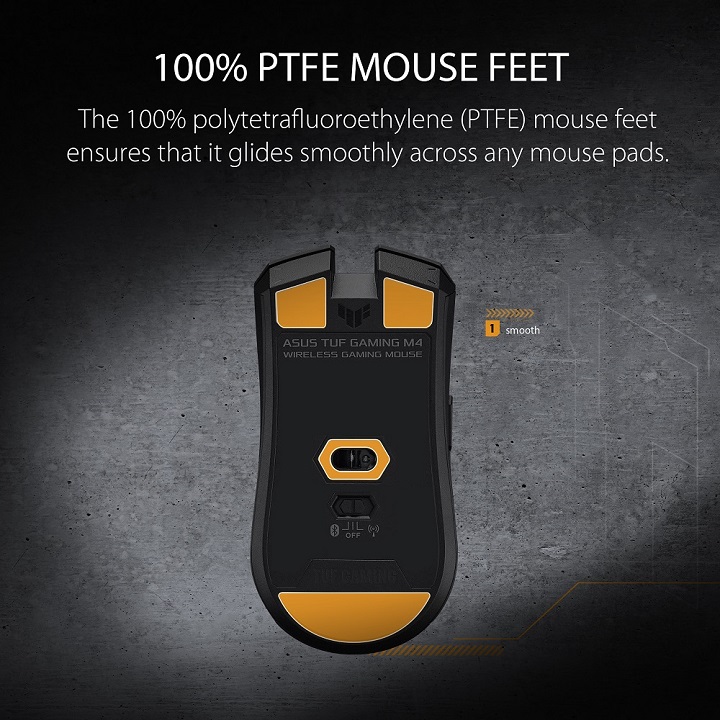
The mouse feet are reported to be 100 percent pure PTFE, while the top cover is constructed of very durable PBT plastic which means you will have this mouse for a long time.
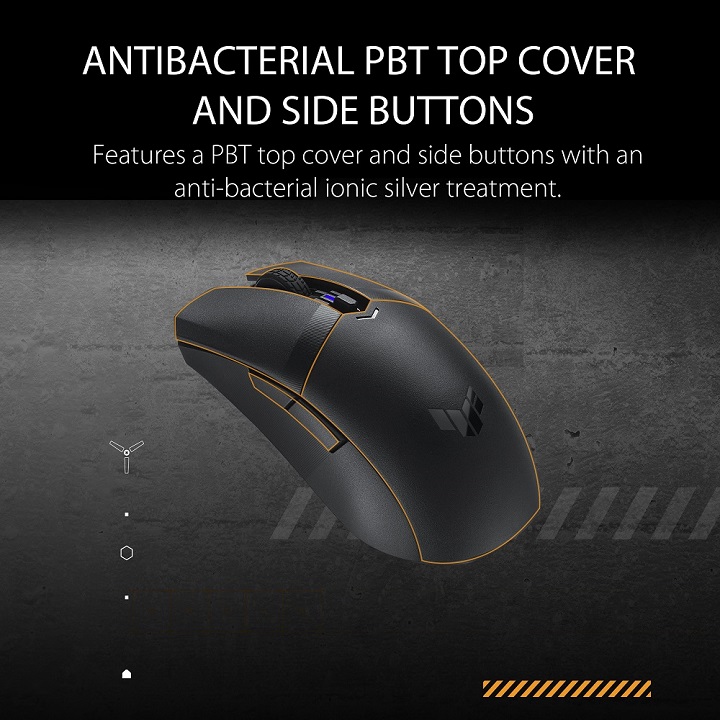
This mouse boasts the ASUS antibacterial guard which is a silver ionic treatment on the primary buttons the back shell and the side caps which supposedly prevents mold growth by 99% in a 24-hr period.
Even the buttons feel very durable and robust so not cheap at all.
User Friendly & Functionality:
The mouse is quite simple to set up; simply insert the USB cable into your computer and you’re ready to use this fantastic little mouse.
As with the ASUS M4 Air, the ASUS TUF M4 wireless also utilizes the Armoury crate software which you can use to customize your settings to your exact liking.
This mouse can use either a AAA battery or a AA but you will get different battery life times with the different batteries.
The AAA battery will give you up to 53 hrs of life whereas the AA battery will give you up to 134 hrs of life. In addition, the M4 Wireless has Bluetooth capabilities, which significantly improves battery life.

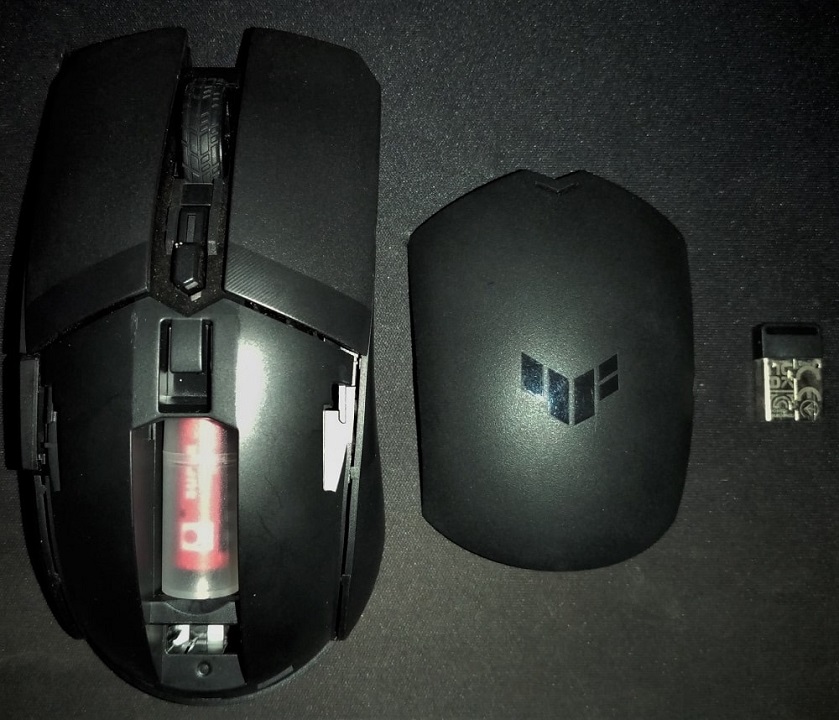
To insert or remove the batteries, push the top panel away from where your palm rests, revealing the battery holder.
This mouse has a switch underneath for off/ Bluetooth and 2ghz wireless. The primary buttons on the mouse are red Kailh switches which have both pre-travel and post-travel.
The M4 wireless has a PAW3311 sensor included and also has angle snapping which can be turned off on the Armoury Crate software.
MGR Gaming’s Conclusions:
In conclusion, the ASUS TUF M4 wireless gaming mouse is a great all-around mouse that will serve both gamers and those who use it for work splendidly.
Form-fitting design that fits nicely in your hand and is comfortable for prolonged use and even more so without any wires to hinder your performance.

The features are awesome for this medium-range mouse and you will get what you pay for here, a decent wireless mouse that is functional, comfortable, and classically stylish with no frills and fuss.
I personally really enjoyed working with this mouse as I am behind the computer most of the day and this mouse became one with my hand and I never had to worry about it once.
We recommend this mouse for both gaming and office applications.



If you are keen on owning this Gaming Mouse, follow this Link.